NetQnect
Turn introductions into managed relationships
Share the right profile, connect at events, and keep follow-ups moving with Qnect, Eventbrite-aware event workflows, team profiles, and an AI Concierge built around relationship context.
Networking Tools Stop Too Early
Most tools help you collect contacts. NetQnect is built for the harder part: keeping the relationship useful after the first exchange.
Introductions Fade Quickly
A scan, handshake, or event chat is only useful if the next step is remembered and managed.
Follow-Up Lives Everywhere
Notes, messages, reminders, and relationship context get scattered across disconnected tools.
Event Context Gets Lost
Attendee identity, ticket proof, check-in, and post-event actions rarely stay connected.
Teams Lack Shared Context
Networking value is hard to coordinate when profiles, team members, and warm intros are separated.
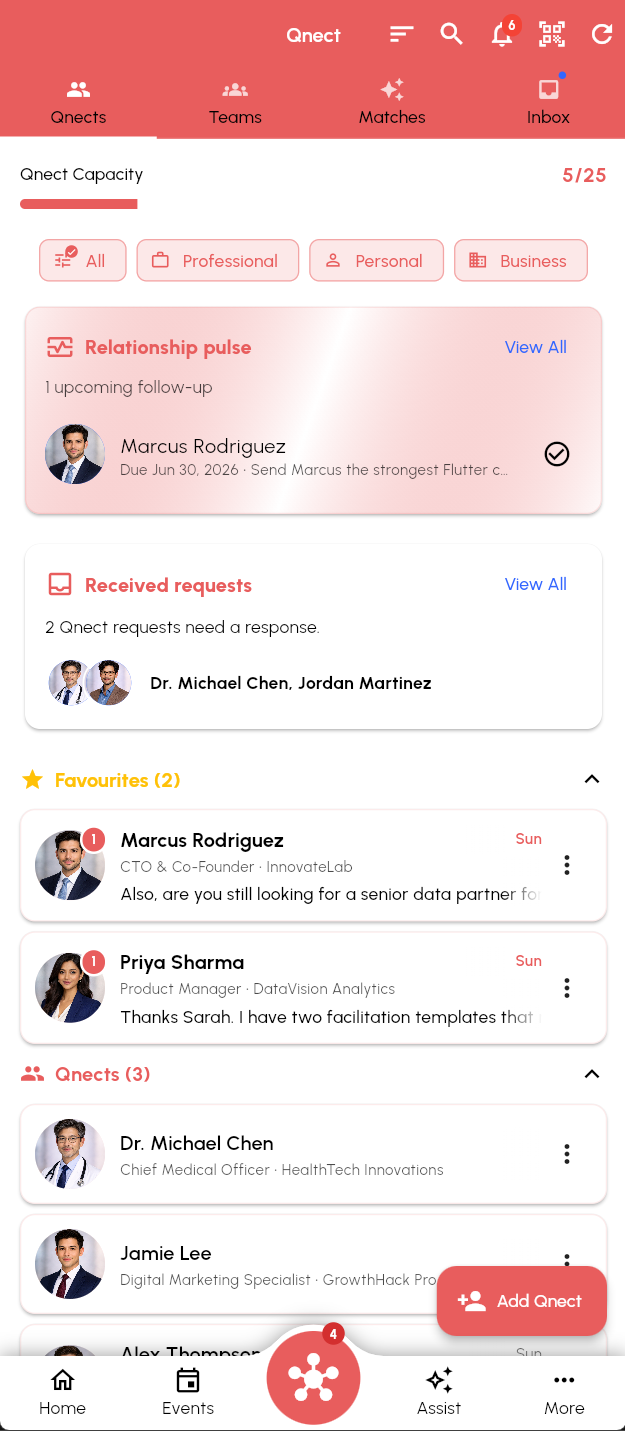
NetQnect Connects the Whole Relationship Loop
From the first QR scan to the next meeting, NetQnect keeps profiles, event evidence, follow-ups, and AI assistance in one connected flow.
Share the Right Profile
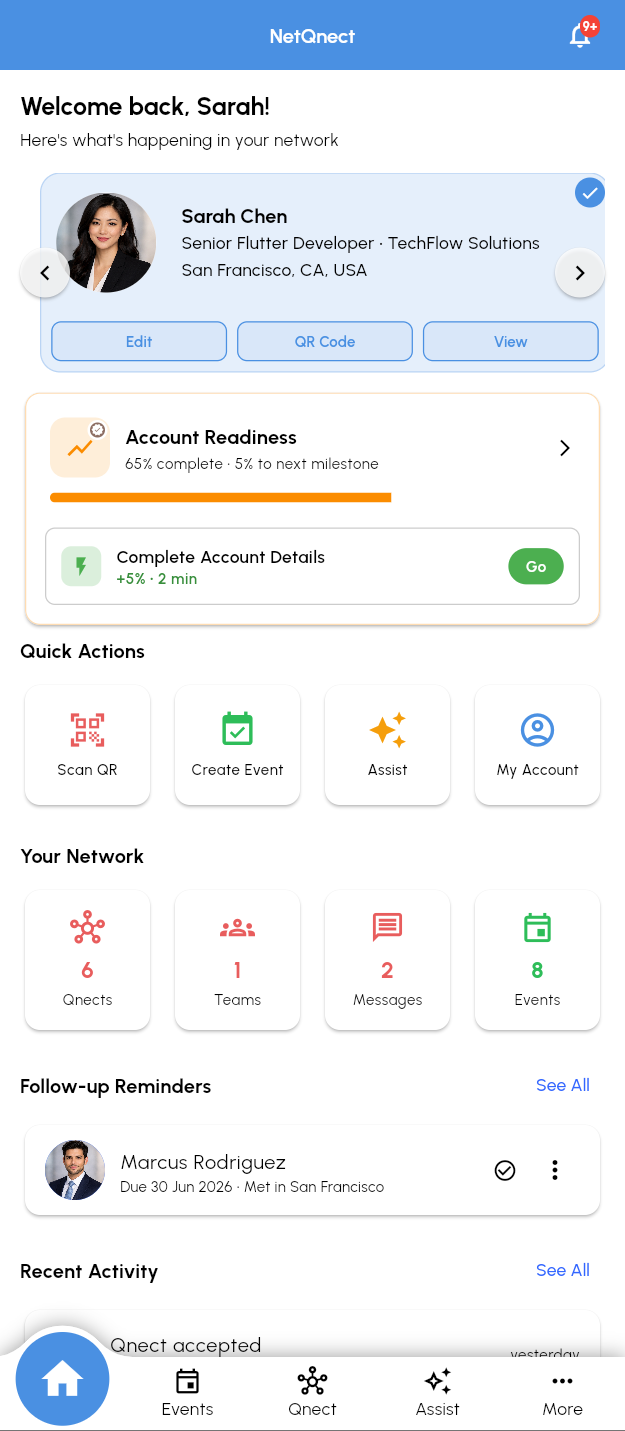
Use personal, business, team, or event profiles and exchange them quickly with QR-powered Qnect requests.
Bring Event Context With You
Create and attend events, connect Eventbrite listings, sync attendees, and preserve ticket and claim context.
Manage Follow-Ups in Qnect
Turn requests, messages, post-event prompts, and reminders into one relationship workspace.
Use AI With Relationship Memory
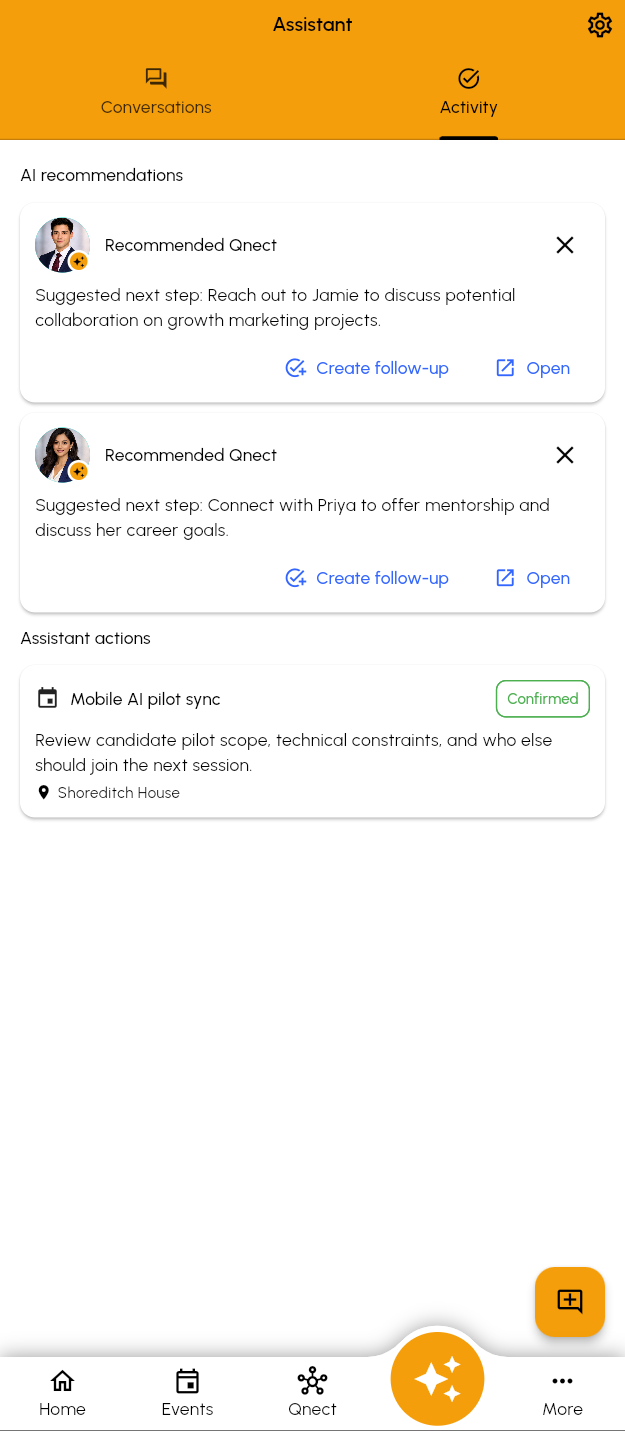
Ask the AI Concierge for profile help, connection context, recommended next steps, and relationship-aware actions.
Represent Teams Clearly
Build team profiles, manage team-member slots, and give active members the right shared profile presence.
Stay Grounded in Controls
Entitlements, usage tracking, assistant review paths, and operational controls support safer scale as the product grows.
How It Works
Create Your Context
Set up profile details, QR sharing, teams, and the event spaces where you meet people.
Qnect in the Moment
Exchange profiles, handle requests, register for events, and keep attendee context attached.
Follow Through
Use reminders, relationship memory, and AI Concierge support to keep the next step moving.
Built Around Relationship Outcomes
NetQnect combines the practical tools you need in the room with the context you need after the room.
Contextual Profiles
Create personal, business, team, and event profiles so each introduction gets the right version of you.
QR Qnect Requests
Share profiles quickly, process scans through the backend, and route new requests into Qnect.
Team Profiles
Give active teams their own outward-facing profile and keep member presence aligned.
Eventbrite-Aware Events
Create, link, import, sync, and reconcile Eventbrite-powered networking events.
Search and Matching
Use Qnect search, event recommendations, and match reasoning to find more relevant people and events.
AI Concierge
Get profile help, relationship context, follow-up support, and assistant-reviewed next-step suggestions.
Invitation-Only and Free During Beta
Approved testers can use the first release without payment while we validate Qnections, profiles, events, and AI-assisted workflows.
Free Beta
Invitation-only access for approved testers while we validate the first release
- Personal profiles and profile sharing
- Qnections and your relationship workspace
- Event creation, discovery and participation
- Your current access and allowances are shown in the app
- QR profile sharing and Qnect requests
Paid plans and purchase flows are not available in the current beta.
See beta access details →Ready to Make Follow-Up Easier?
Join the invitation-only beta to test profile sharing, Qnect, team, event, and AI-assisted relationship workflows without payment.